DKsequence › Sequence #13 › Apps › Markdown Bridge
Markdown Bridge

Productivity Write in Markdown, export to document files or PDF, and import documents back.
Feature image
Promo video
Screenshots
About this app
Markdown Bridge is a note app for writing in Markdown and moving your text between Markdown and document files.
WRITE
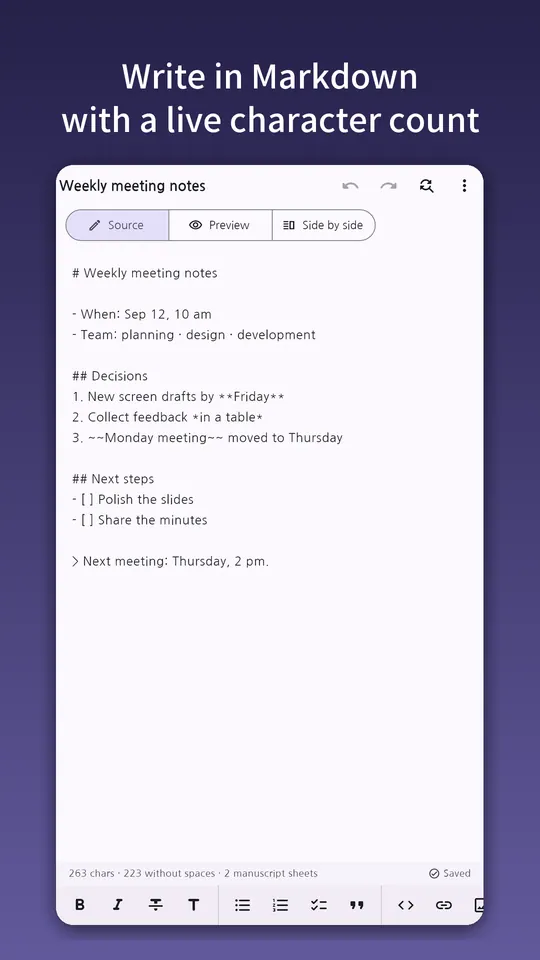
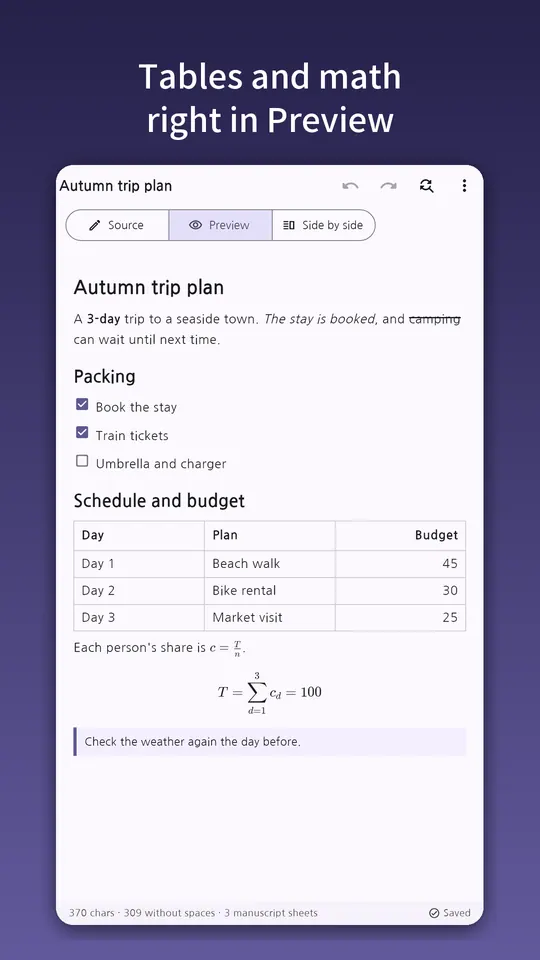
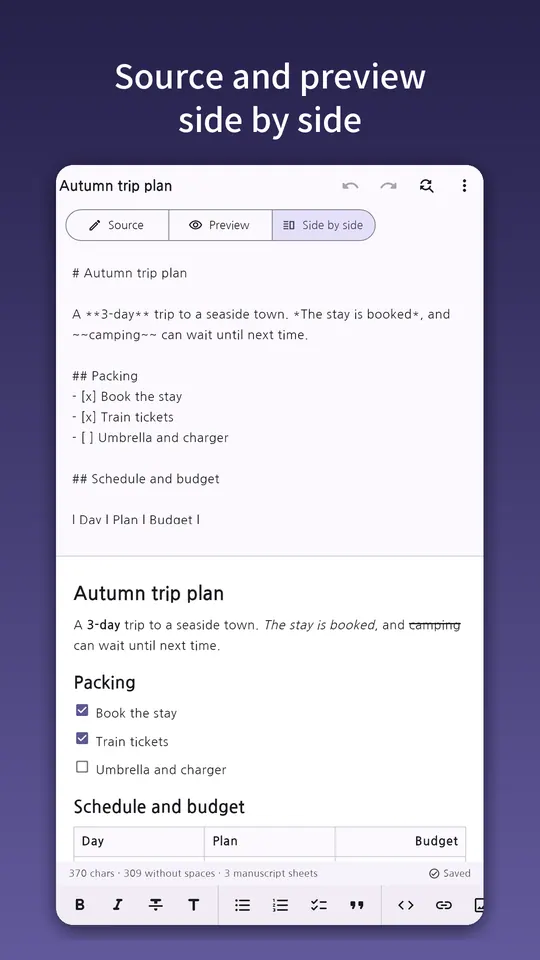
• Switch between Source, Preview and Split view
• Bold, italic, strikethrough, headings, lists, checklists, quotes, code, links, images, tables and math from one toolbar
• Put the cursor in a table to open a grid editor: add or remove rows and columns, set column alignment
• Preview shows tables, checklists, footnotes and math
• Autosave as you type, with undo and version history to go back to
• Find & replace, with an optional match-case setting
• Character count, with and without spaces, at a glance
CAPTURE QUICKLY
• Share text from another app (such as an AI chat app) and it becomes a new document
• Open a document file from a file manager or messenger and it turns into Markdown right away
MOVE BETWEEN FORMATS
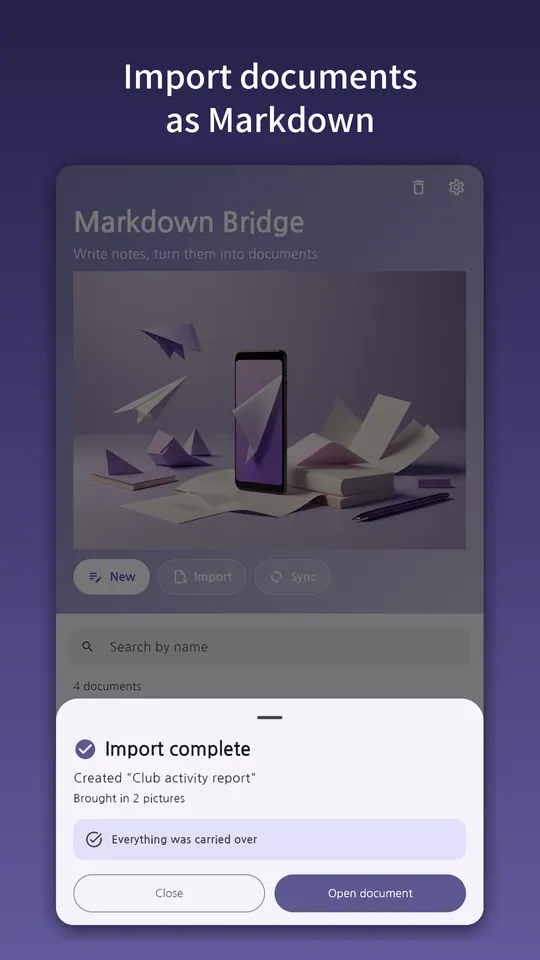
• Import document files and text files as Markdown, including the images inside
• Text files are read with automatic character-encoding detection
• Export your writing as document files, text files or PDF, and pick the encoding for text files
• If anything can't be carried over, the result screen lists what it was and how many
STAY ORGANIZED
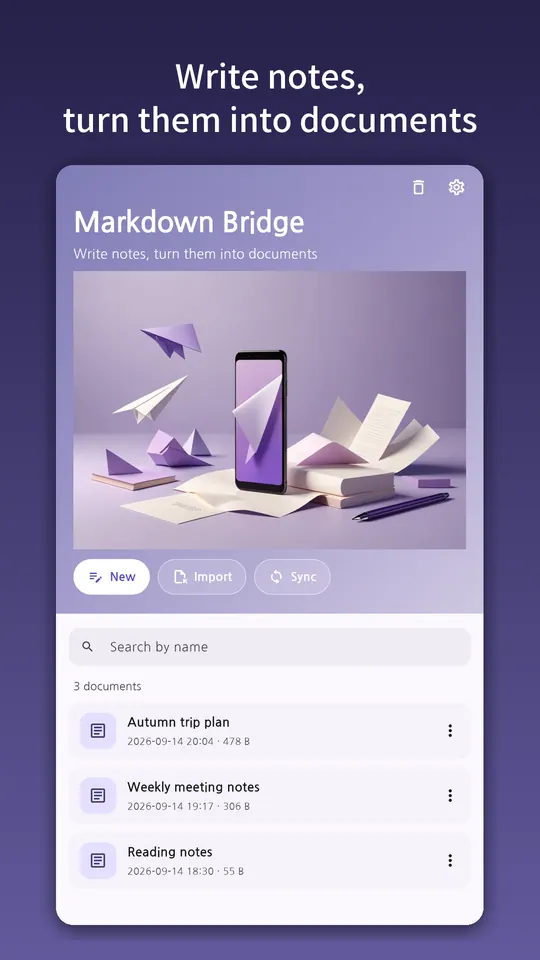
• Search documents by name
• Restore deleted documents from the trash
MORE
• Light, dark, or follow your device setting
• Choose from 12 languages inside the app
• The app shows ads; the remove-ads purchase turns off banner and interstitial ads
• Sync your documents folder with another device on the same Wi-Fi network
More apps in this genre

