DKsequence › Sequence #13 › Apps › My Habit Grid
My Habit Grid
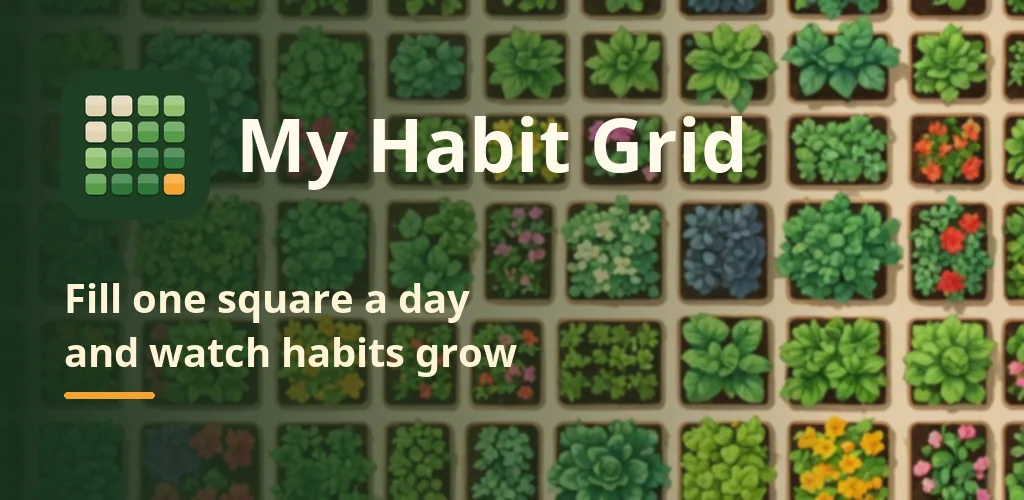
Productivity One square a day, a year of habits at a glance. Check in from a widget
Feature image
Promo video
Screenshots
About this app
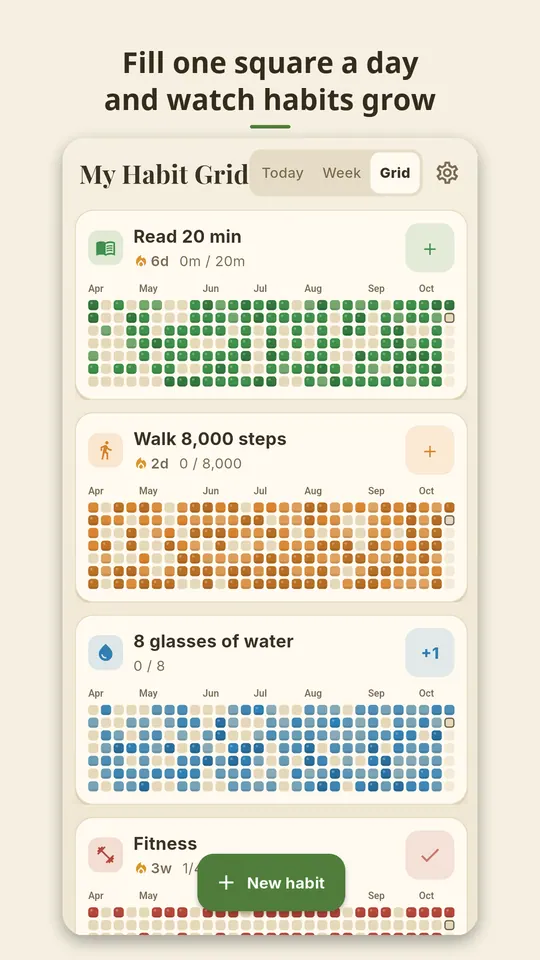
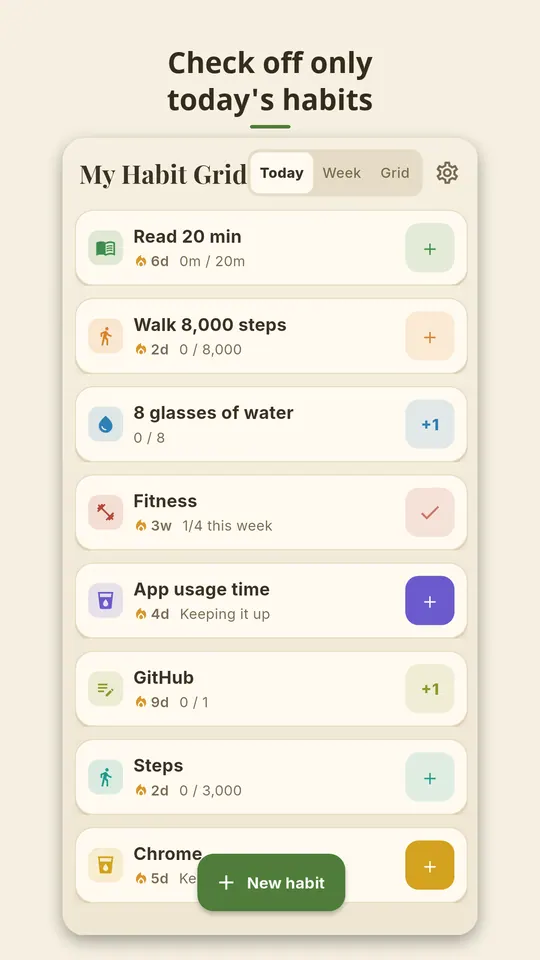
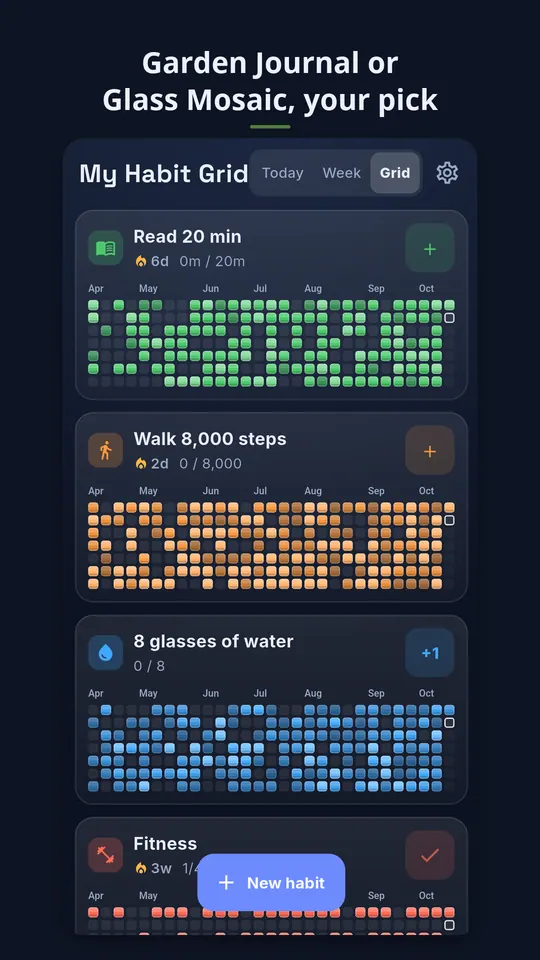
My Habit Grid is a habit tracker that turns every day into one square on a yearly grid. Create a habit, log it each day, and watch the squares fill in until the whole year shows your rhythm. Check today as a list, a week as 7 squares, or the long run as 26- and 53-week grids.
■ Features
· 3 views: Today (checklist) · Week (last 7 days) · Grid (last 26 weeks)
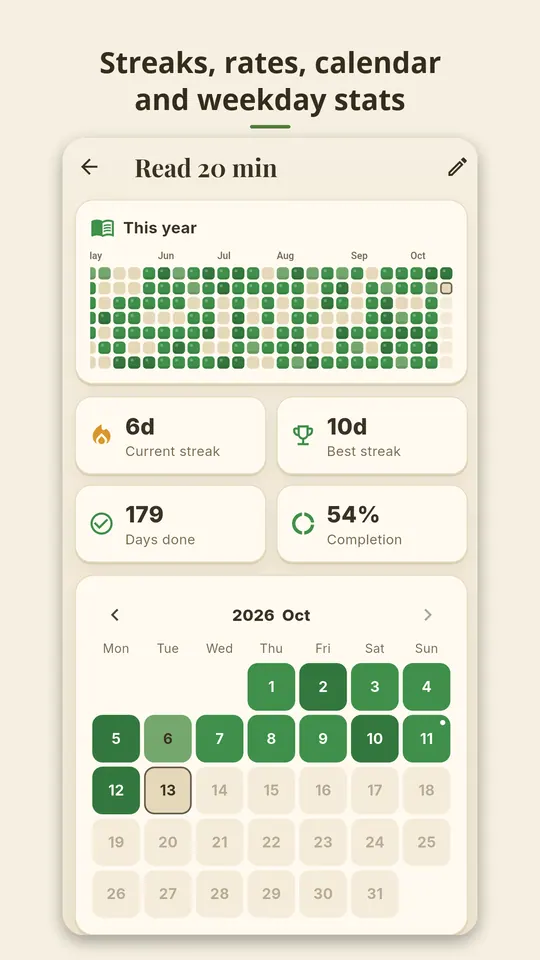
· Habit detail: a full 53-week grid, a month calendar where past days can be edited, stats by month and by weekday, and notes
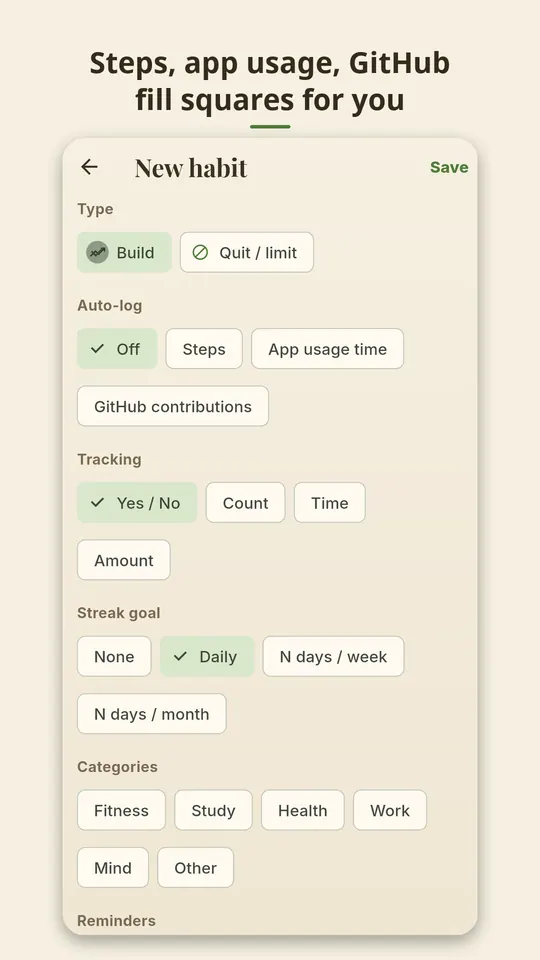
· 2 habit types: Build and Quit / Cut back — on Quit / Cut back, days with no entry count as kept, and staying under your limit is a success
· 4 ways to log: done / not done · count (e.g. 8 glasses of water) · time (stopwatch included) · value (units and decimals)
· Streak goal: none / every day / N days a week / N days a month — a rest day never breaks your streak
· Reminders: up to 3 per habit (choose weekdays and times), skipped if you have already done it. A daily check-in reminder at the time you pick lists the habits left today
· 2 home screen widgets: Today (check up to 5 habits without opening the app) · Grid (the last 26 weeks of one habit you choose)
· 3 optional auto-logs: step count · app usage time (a good fit for cut-back habits) · public GitHub contributions
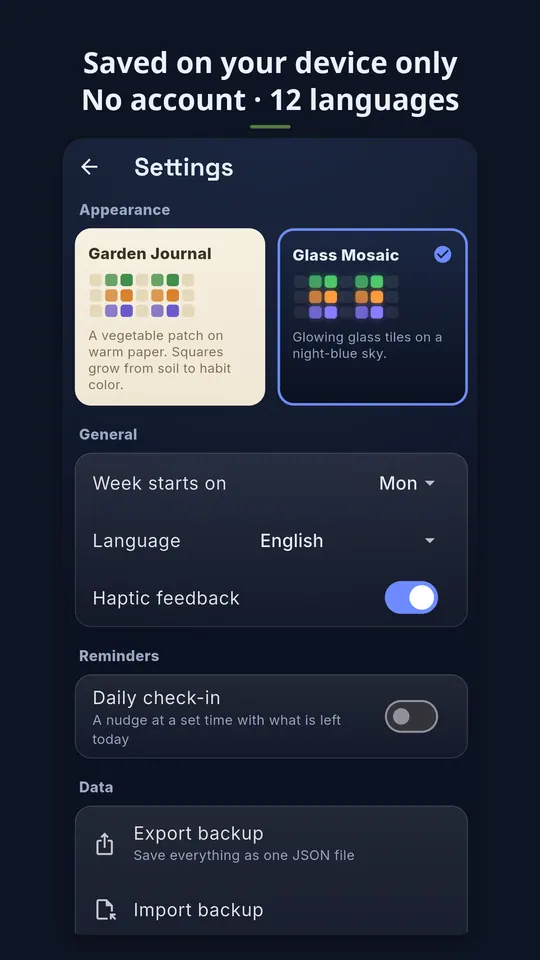
· 2 screen themes: Garden Journal (light, a vegetable patch on warm paper) · Glass Mosaic (dark, glowing glass tiles on navy)
· Backup export and import (a single JSON file), archive, long-press to reorder, category filter
· 12 languages with an in-app language picker, and haptic feedback you can turn off
· Your records and settings stay on your device, and no account or sign-in is needed
Notes
· Ads: a banner appears only at the bottom of the habit detail and Settings screens, and an interstitial ad appears now and then after you close a detail screen. No ads are shown at the moment you check a habit. In Settings you can use Remove Ads (one-time purchase) and Pause Banner for 24 Hours (watch one rewarded ad).
· Auto-logs only work after you allow them yourself. App usage time needs you to grant usage access manually, and steps and app usage time are processed only on your device. For GitHub, only the username you enter is sent to github.com.
· To receive reminders, allow the notification permission.
Developer: DKsequence · Contact: kitan98@gmail.com