DKsequence › Sequence #13 › Apps › WifiSpot
WifiSpot

Tools Walk around and watch the screen react — find your strongest Wi-Fi spot
Feature image
Promo video
Screenshots
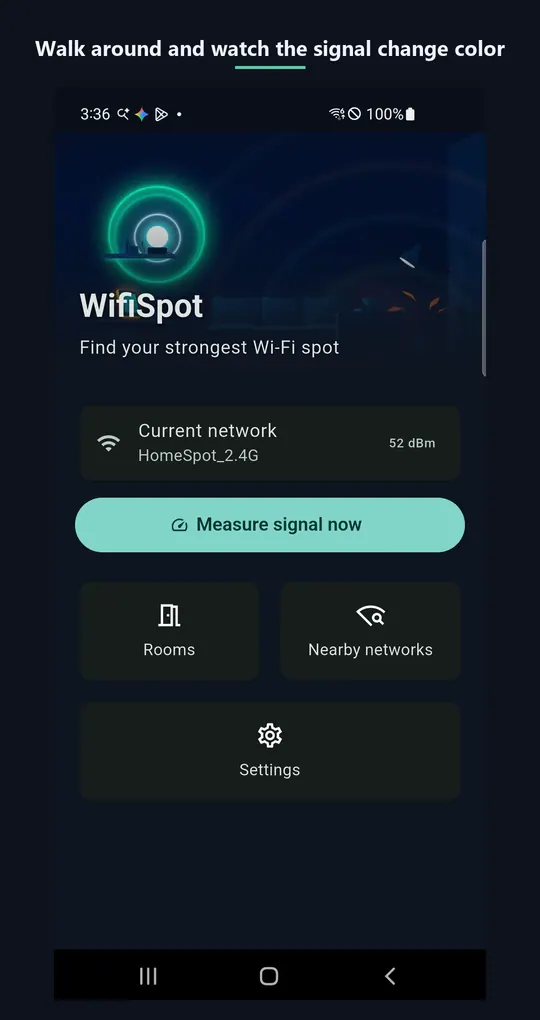
About this app
Find your strongest Wi-Fi spot.
That one corner of the living room always drops. The bedroom is oddly slow. You've probably just guessed why.
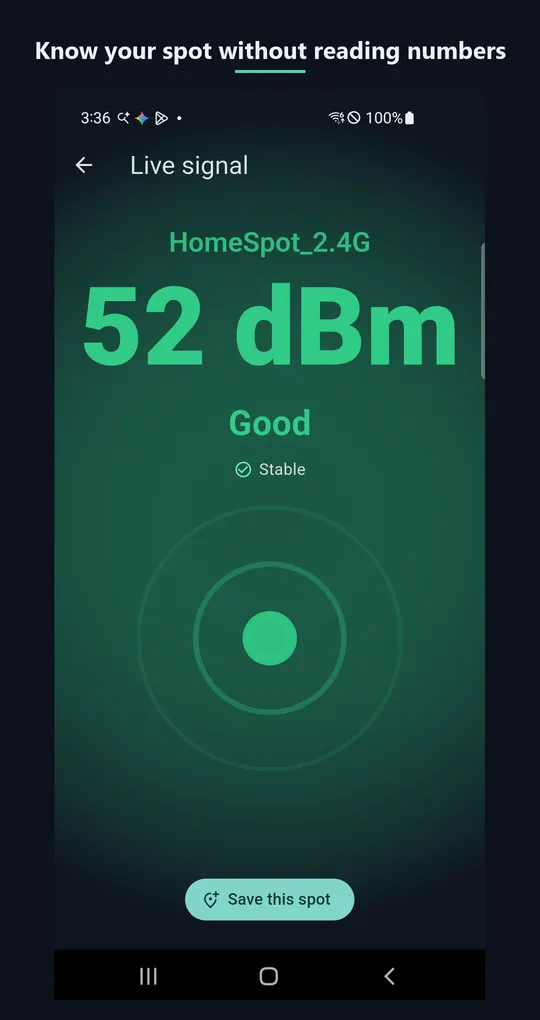
Open WifiSpot and walk around your home — the screen reacts to signal strength in real time. Bright and fast when it's strong, dim and slow when it's weak. No numbers to read, just glance and go.
■ How it works
1. Open the live gauge and walk around slowly.
2. Watch the color and pulse to read the signal right where you're standing.
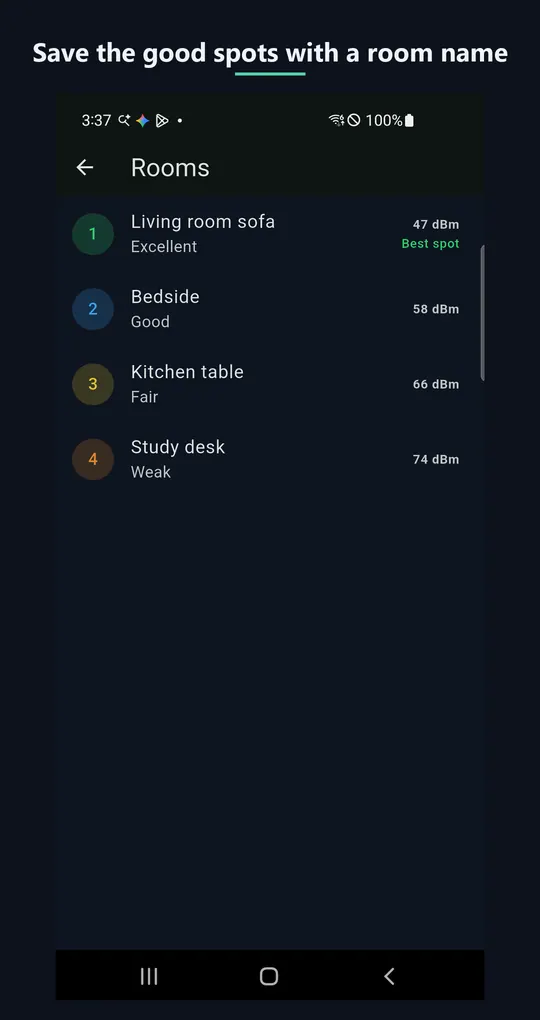
3. Found a good spot? Save it with a room name.
4. Compare your saved rooms, ranked by signal strength.
■ Features
● Live signal gauge — walk-and-watch screen, instant color and pulse feedback
● Room records & ranking — compare living room, bedroom, kitchen... at a glance
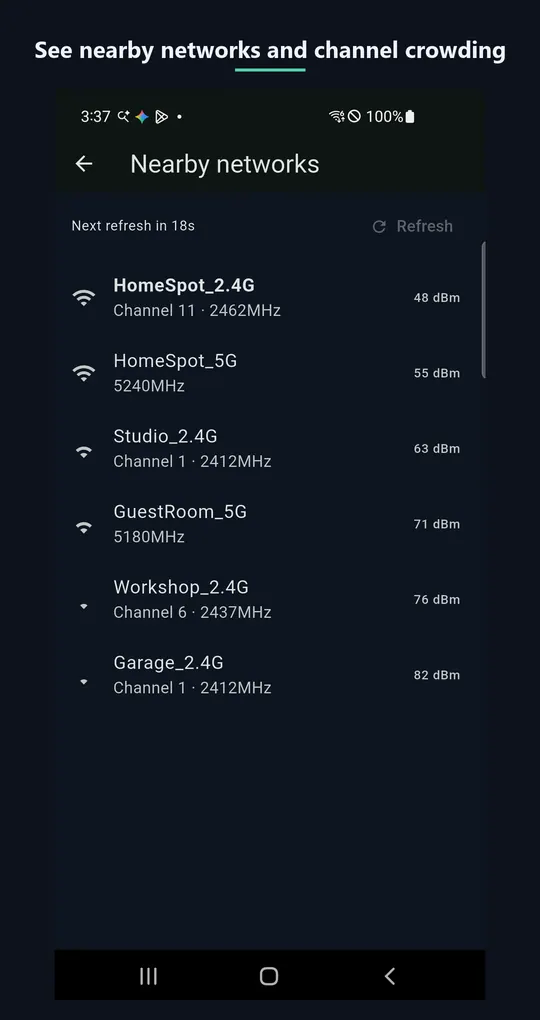
● Nearby network scan — check whether your channel is crowded
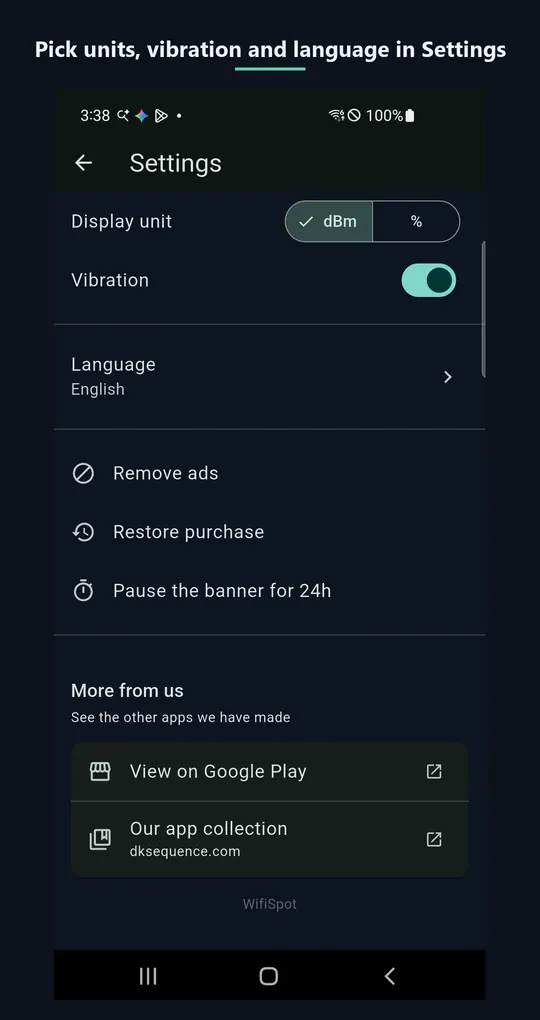
● 12 languages supported
Whether you're deciding where to place your router, picking a spot for a Wi-Fi extender, or choosing a table at a cafe — WifiSpot has you covered.
More apps in this genre

