DKsequence › Sequence #13 › Apps › WiFi QR Code
WiFi QR Code

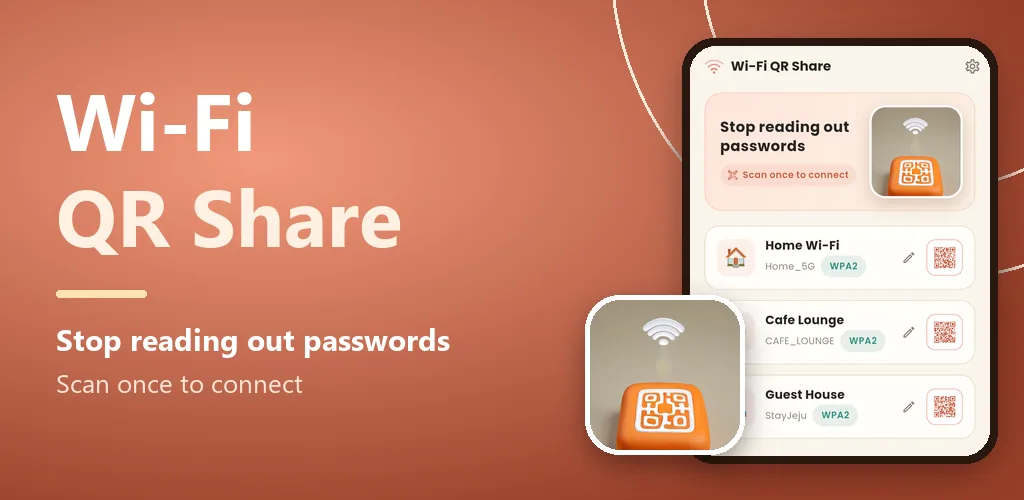
Tools Turn your Wi-Fi password into a QR code - guests just scan it to share and join.
Feature image
Promo video
Screenshots
About this app
Stop reading out your Wi-Fi password. Enter it once and guests just scan the QR to join.
■ How it works
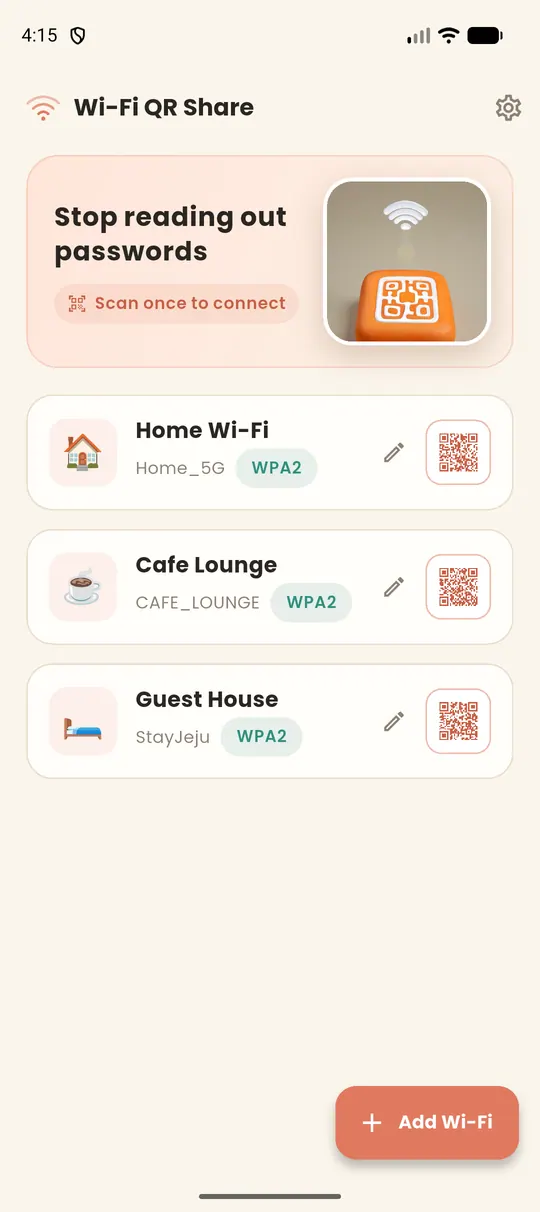
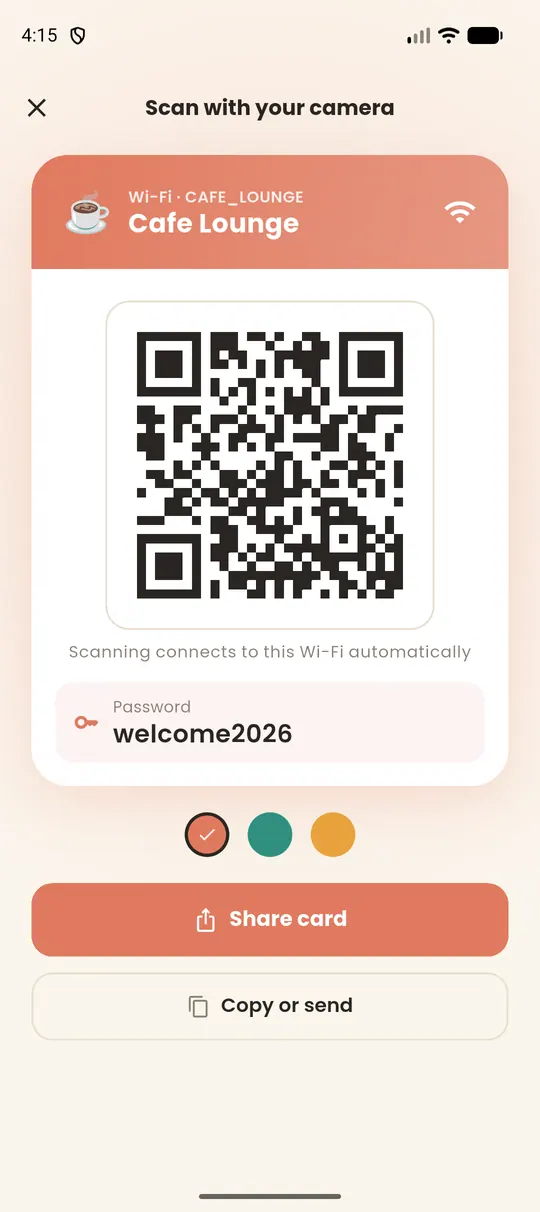
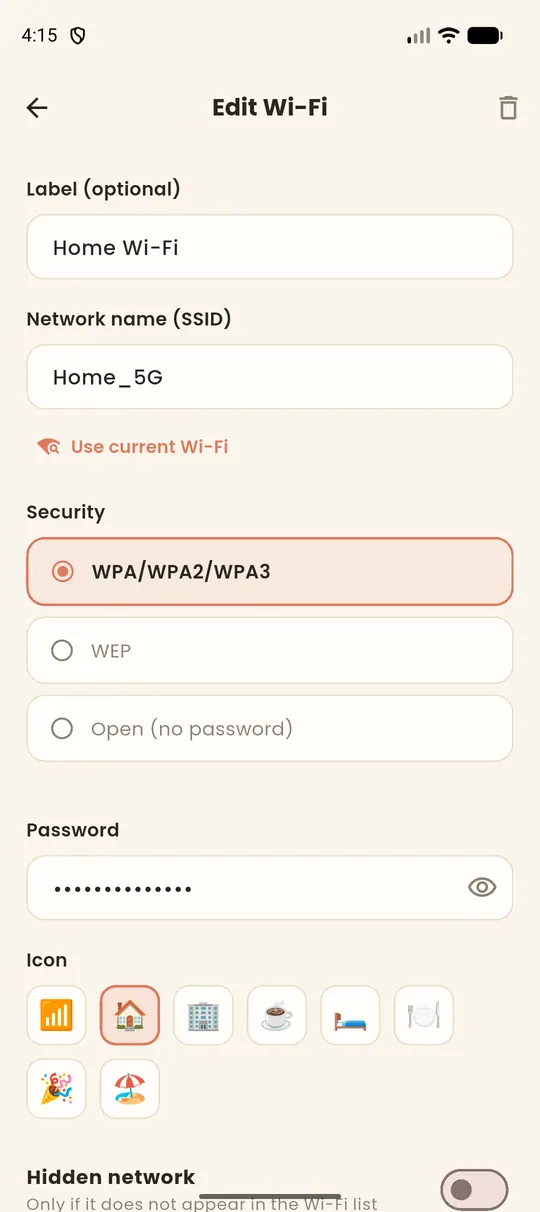
Enter the network name (SSID) and password once — or auto-fill the name with "detect current Wi-Fi" (optional). A big QR card appears; guests scan it with their camera and connect automatically. Save home, office, café and stays as cards, ready anytime. Share the QR card as an image, or send the name and password by SMS or chat.
■ Features
WPA/WPA2/WPA3, WEP, open (no password) and hidden networks. Hospitality card design with 3 color styles. 12 languages. Passwords and network info stay on your device and are never uploaded.
[Note] Android does not let apps read saved Wi-Fi passwords, so you enter the password yourself. Location permission is used only for the optional "detect current Wi-Fi" feature (to read the network name).
By DKsequence — contact: kitan98@gmail.com
More apps in this genre

