DKsequence › Sequence #13 › Apps › King Pass
King Pass

Productivity One tap saves your login. Track every password change on one screen.
Feature image
Promo video
Screenshots
About this app
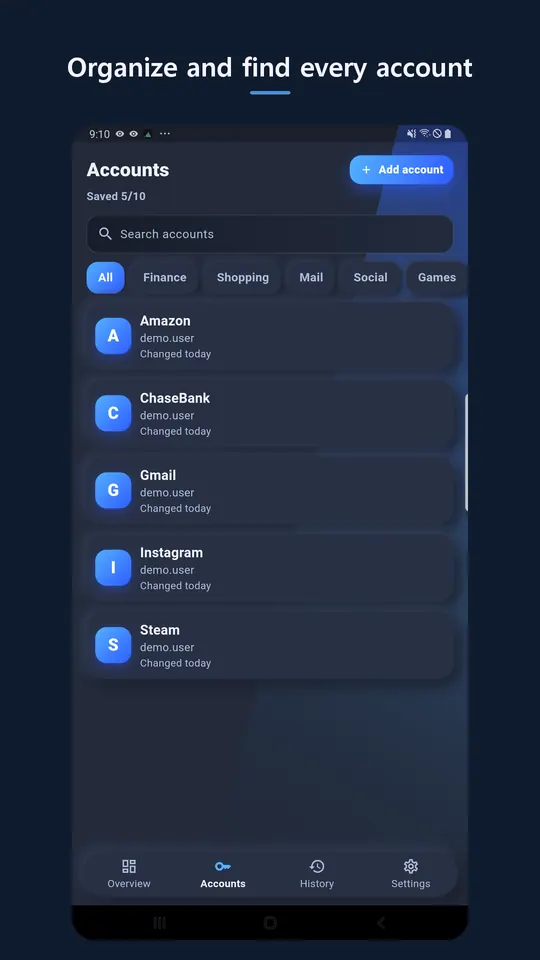
King Pass is a password manager that keeps your account IDs, passwords, and password change history only on your device.
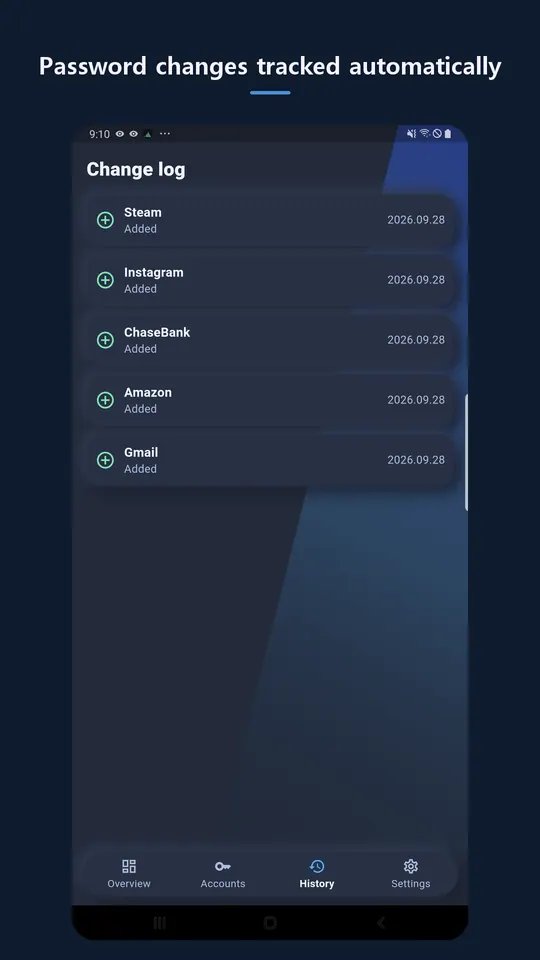
When you sign in on another app or browser, a "Save to King Pass?" prompt appears above the keyboard — one tap and it's saved. Change a password and the old one is kept in history automatically, with a warning if you ever reuse it.
■ Features
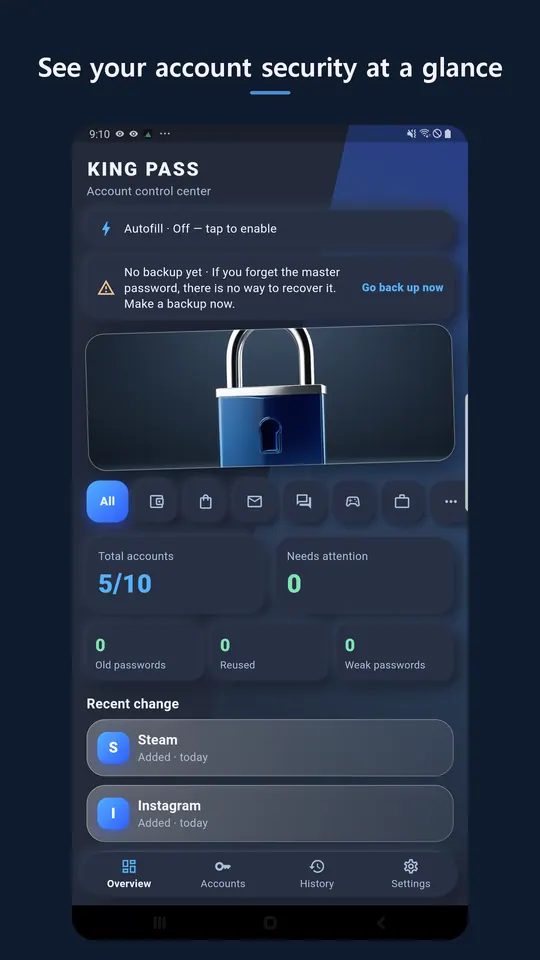
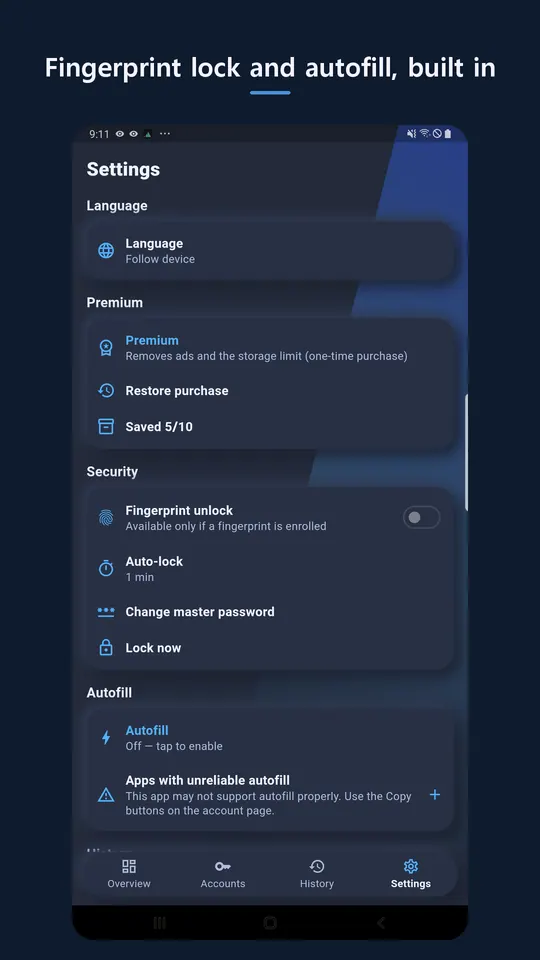
· Autofill save prompt when you sign in (one tap)
· Automatic password change history with reuse warnings
· Fingerprint to view passwords and fill autofill (open the vault by fingerprint even if you forget the master password)
· Review old, reused, and weak passwords on one screen
· Import a CSV exported from Chrome and similar browsers
· Encrypted backup file you keep on your device or your own cloud
· Account data stays on your device only (AES-256 encryption)
King Pass never sends your account data to a server. The master password cannot be recovered, so turning on fingerprint unlock or making a backup is recommended.
Developer: DKsequence · Contact: contact@dksequence.com
More apps in this genre

